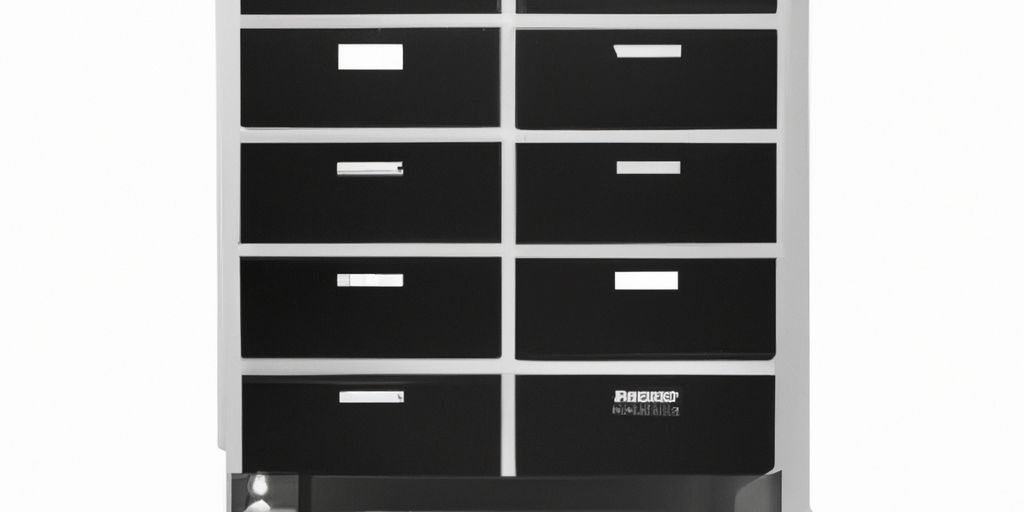
How to Organize Your Files Like a Pro
Hey there, young guns! So, let me take you back to when I first started out in the workforce. My file management was a hot mess – from thinking a messy system was cool to trying out the Johnny Decimal System. But guess what? I found my sweet spot between organization and efficiency, and I’m here to spill the beans on my top file management tips!
Creating a Simple File Hierarchy
Let’s keep it simple, shall we? I limit my folder levels to five, with each level having up to 99 folders. It’s all about finding that balance between structure and accessibility. For example, my level zero has personal stuff, work-related folders, essential documents, quick share folder, backups, and an archive for those dusty old files.
- Zero in on 99 folders per level
- Use lower numbers for frequently accessed folders
- Reserve level 99 for archival purposes
Naming is Key
When it comes to naming folders and documents, I keep it straightforward. I either use dates for time-sensitive files or sort them alphabetically for everything else. Consistency is key here – use keywords that make your files easily searchable. Matthew, a buddy of mine, has a different naming approach, but hey, it works for him!
Hint: Keep it simple and stick to one naming convention.
Game-Changing Tips
Now, let’s talk about those game-changing tips that will level up your file management game.
- Organize where you will use it
- Make use of native features in your file manager
- Attach keywords for easy searchability
- Star your most important folders
- Know when to create shortcuts
Remember, there’s no perfect system, but finding what works for you and sticking to it is the key. So, get cracking on organizing your files like a total pro!
If you loved these tips, you might dig my top productivity tips for work video. Until next time, stay organized and stay awesome! 🚀
 Ketiz Singh
Leave a comment